- TECH4SSD
- Posts
- AI Video Editing: Your Secret Weapon for Content Creation (2026)
AI Video Editing: Your Secret Weapon for Content Creation (2026)
Hyper-realistic video from text? AI in DaVinci Resolve? Your content is about to get a major upgrade.
Sponsored by

Hey there, fellow creator! 👋 Ever wished you had a full production team in your pocket? Well, 2026 is making that wish a reality. AI video editing isn't just futuristic; it's here, it's powerful, and it's about to change how you create forever. Get ready to make jaw-dropping videos faster and easier than you ever thought possible.
Six Tools, Zero Efficiency. There's a Better Way.

Most e-commerce sellers are running their store across 6 to 8 separate tools — switching tabs, reconciling data, and paying hundreds a month for the privilege. StoreClaw replaces your entire stack with one autonomous AI engine that monitors competitors, optimizes listings, automates marketing, and tracks real profit across Shopify, Amazon, and beyond.
It doesn't wait for you to ask. It runs 24/7 in the background, so you wake up to a full dashboard instead of a list of things you forgot to check.
Connect your store, and StoreClaw gets to work — no prompts, no complex setup, no six-app stack.
Free to start. No credit card required.
🎥 Hyper-Realistic Video from Text Prompts
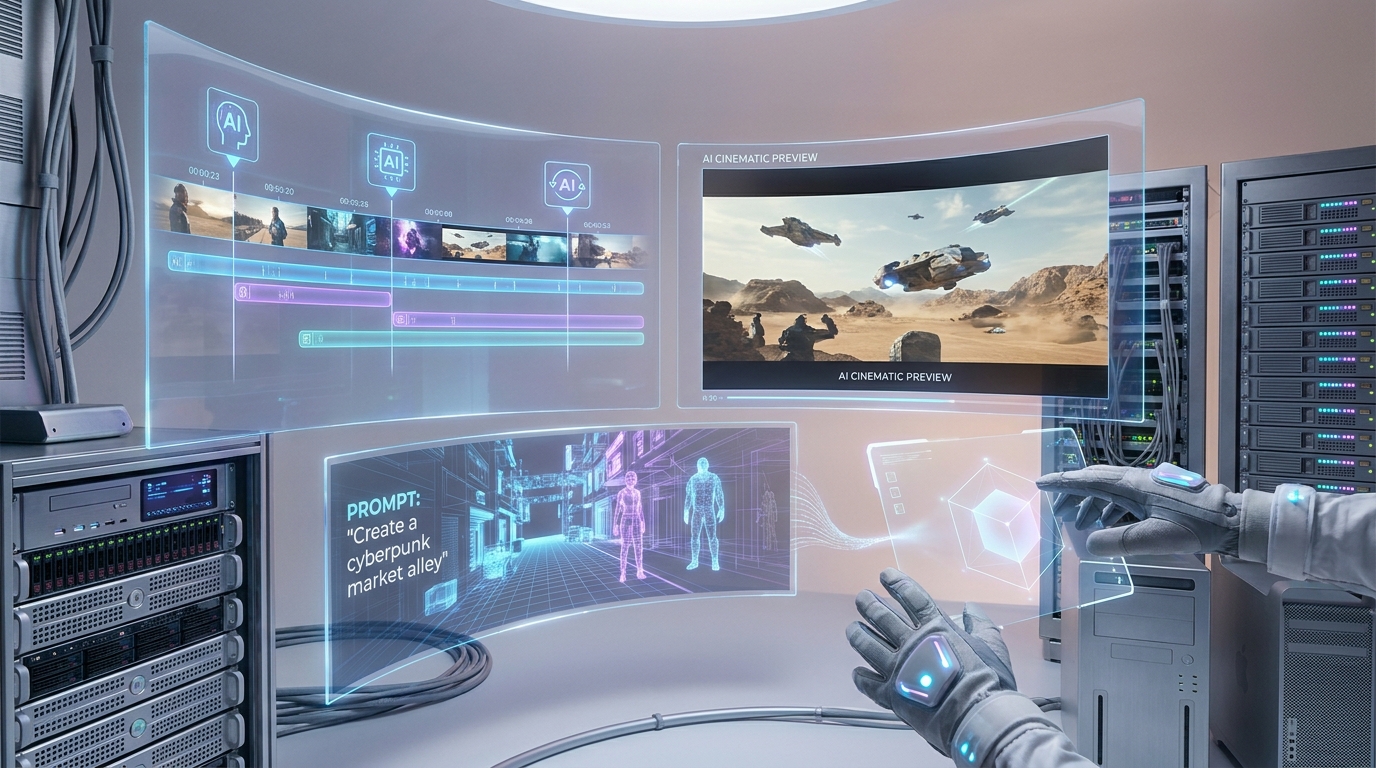
Forget stock footage! In 2026, AI leaders like Google Veo 3.1 and OpenAI Sora 2 are generating stunning, cinematic video clips from simple text descriptions. We're talking hyper-fidelity, scene control, and even native audio (with Veo!). This means you can conjure custom footage for any project without needing cameras or complex sets. Just describe your vision, and AI brings it to life. This is a game-changer for unique content generation.
AI Video Editing: Your Secret Weapon for Content Creation (2026)
⚡ AI Integrated Directly into Your Favorite Editing Software
No more clunky workarounds! Major post-production suites are baking AI right into their core. DaVinci Resolve 21 (released June 2026) is leading the charge, integrating AI for photo editing, facial recognition, object masking, and automatic color matching. This means faster workflows, less manual drudgery, and more time for creative fine-tuning within the tools you already know and love. It's a hybrid workflow dream!
⏰ Save Hours with Smart Automation
AI is your new efficiency expert. Features like auto-color grading, speech-to-text transcriptions, and intelligent scene detection are cutting editing time by up to 40%. Even free AI video tools now offer previously premium features like automated subtitle generation (95% accurate for 30+ languages!) and basic object removal. This frees you up to focus on the creative story, not the tedious tasks.
✍️ Your Prompts Are Your Power
The secret to amazing AI-generated video? Detailed prompts! Think of yourself as a director giving specific instructions to your AI film crew. The more descriptive you are about subjects, actions, styles, and camera angles, the more precisely the AI will match your vision. Mastering prompt engineering is key to unlocking the full potential of these incredible tools.
Key takeaways 👇
Generate cinematic video from text with tools like Google Veo and OpenAI Sora 2.
Major software like DaVinci Resolve 21 now has AI built-in for smoother workflows.
Automated tasks can slash your video editing time by up to 40%.
Free AI tools now offer pro-level features like advanced subtitles and object removal.
Detailed prompts are essential for getting the best results from AI video generators.
We broke it all down — steps, examples, and the full picture — in the complete guide. 👆
Forwarded this? Subscribe to Tech4SSD — practical AI tools and trends, explained for everyone. Free.
Reply